Configuration (continued):
The next thing I did was download the latest drivers and utilities for the board. One feature that was especially appealing to me was the "Intel Integrator Assistant". This software allows you to edit BIOS settings from within Windows, check/update the BIOS with files from the Intel website, and customize the look of the system to your tastes. These features may be intended for system integrators, but adding your logo in places where you would usually see something from your OEM or Microsoft is pretty cool.
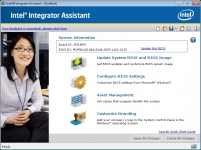
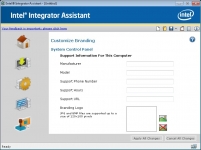
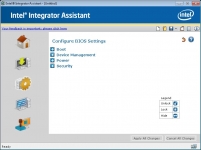
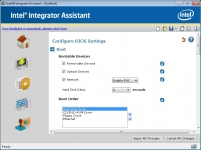
The above left image shows the main screen of the Integrator Assistant, while the above right image shows some of the customization options available. The two screens below show some of the BIOS configuration options available. You can also have the software check for BIOS updates online, and have them applied without ever having to boot into the BIOS. A new update was available for the review sample, and it was applied without issue.
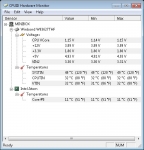
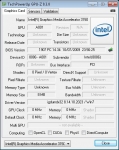
With that out of the way, I installed a handful of utilities to investigate the real features and specifications of installed system components. CPUID's Harware Monitor is shown in the below left image, and the value of the data is minimal. Some of the voltage values are obviously wrong, and while it would be great to have a processor running at 11C, I doubt that is anywhere close to reality. Techpowerup.com's GPU-Z is shown in the below right image, and while you do get some information on the integrated graphics, many of the data fields are grayed out.
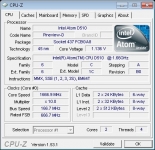
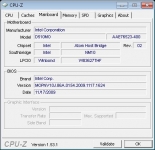
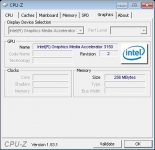
In the next three images we'll take a look at CPUID's CPU-Z. The below left image shows the CPU information, and the middle image shows the mainboard information. Finally a fairly complete set of information with these two tabs! In the final image all we see is that the graphics are powered by Intel's Media Accelerator 3150, revision 2.