BIOS (continued):
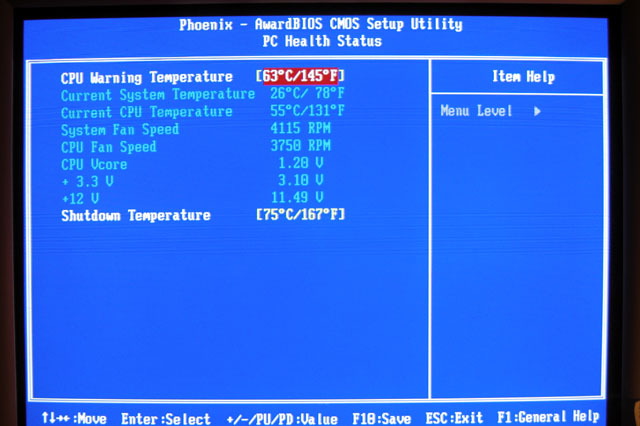
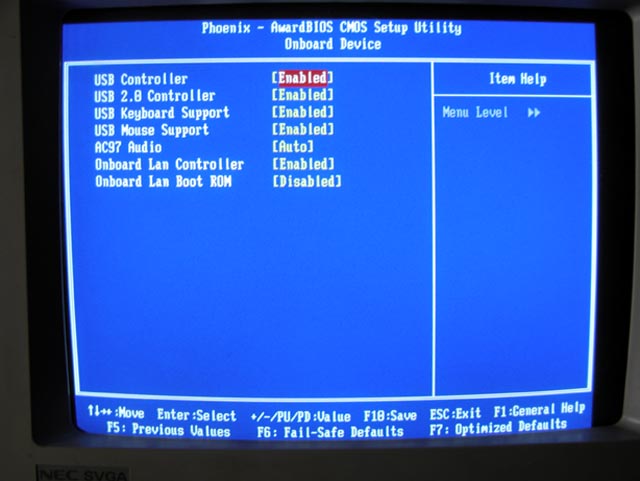
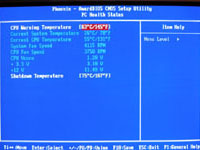
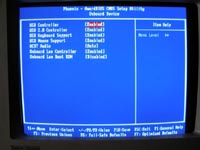
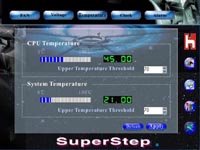
At 1.20v CPU core, this P4 Prescott CPU runs a little warm as you can see in the PC Health screen (I guess Intel can’t talk trash to AMD about heat anymore). The On Board Device screen turns on/off some integrated features.
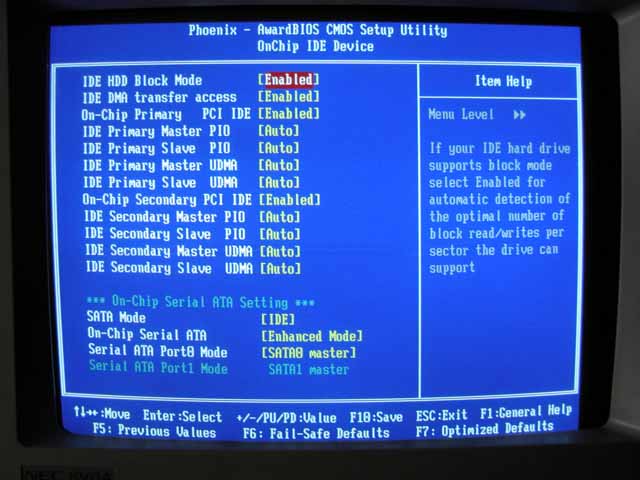
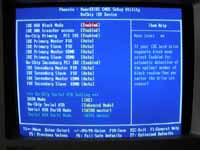
One screen of particular interest is the OnChip IDE Device. At the bottom you have the S-ATA settings. These settings control how the Intel ICH5R and the Silicon Image Sil3112A controller chips interact with IDE channels 1 & 2. A wrong setting here could disable the IDE channels and any HDD/optical drives connected would appear faulty.
Software Utilities:
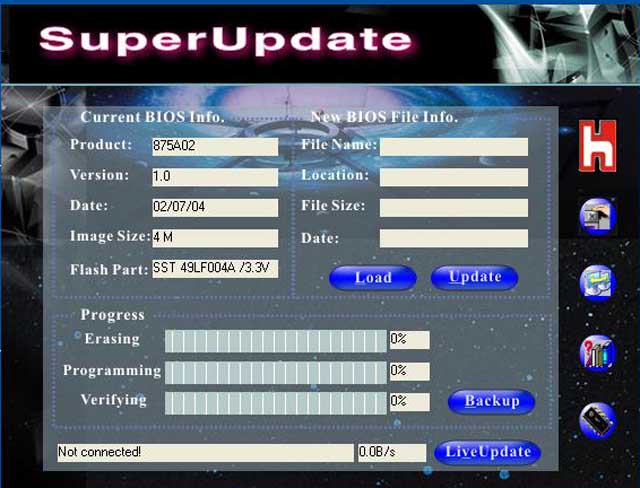
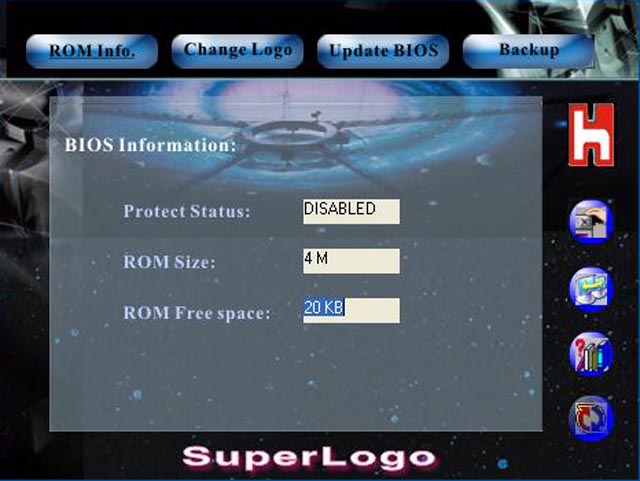
The CD contains the Chipset drivers, Device drivers (LAN, Audio, USB), Motherboard Utilities, Adobe Acrobat Reader 6, DX 9.0b and a 3 month trial version of Norton Internet Security. (2 floppies are provided containing the drivers for the two RAID chips). I was glad to find out that FoxConn included a monitoring utility as Motherboard Monitor 5 does not, as yet, support this 875P board. However, I was also disappointed to find out about its limited usefulness.
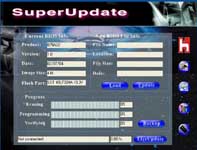
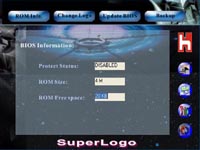
Of the three included utilities: Super Update on the left and Super Logo on the right were of little to no value. Each time I tried to connect to the FoxConn site in Super Update, it would error out with a connection failed message and every time I tried to change the boot logo, it would get just so far, and then show a write error. From the review of the FoxConn 865G motherboard recently conducted at BigBruin.Com, we were informed that the issue with Super Update is known and being addressed.
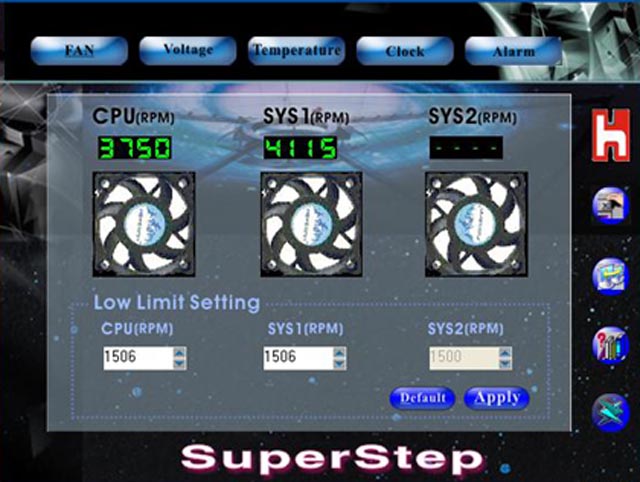
The Super Step utility is FoxConn’s motherboard status program. It gives readout on two of the three fan headers as shown.
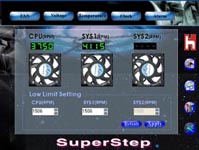
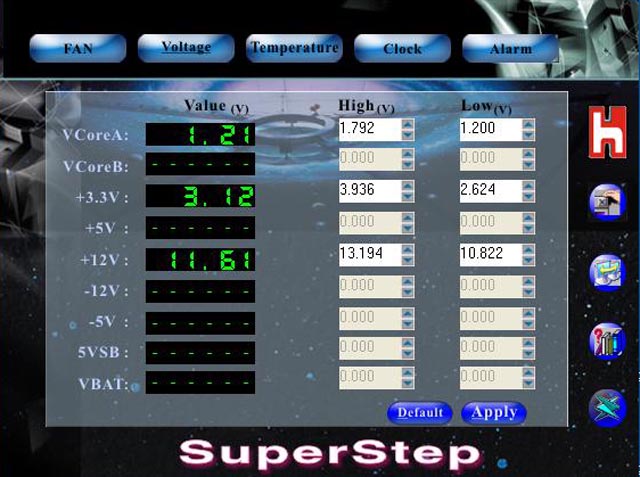
The voltage screen is a big disappointment, listing only 3 of the available readouts (I’ve seen screen shots of this same utility running on the FoxConn 865G motherboard, and almost every voltage readout was reported).
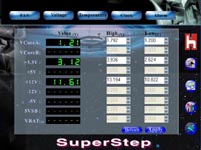
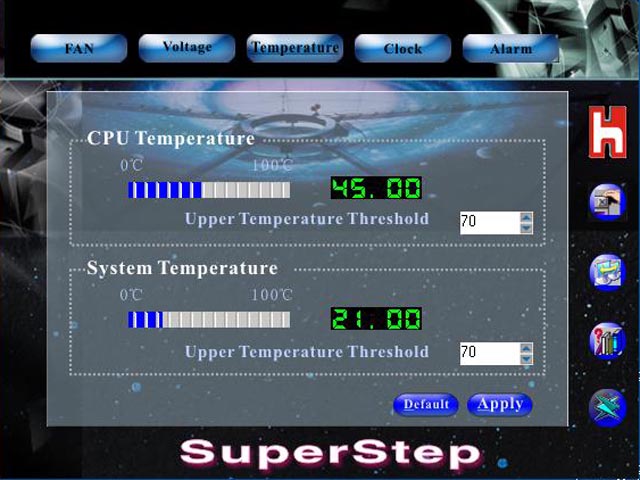
The temperature screen is a very welcome sight, although I’m not sure about its accuracy.
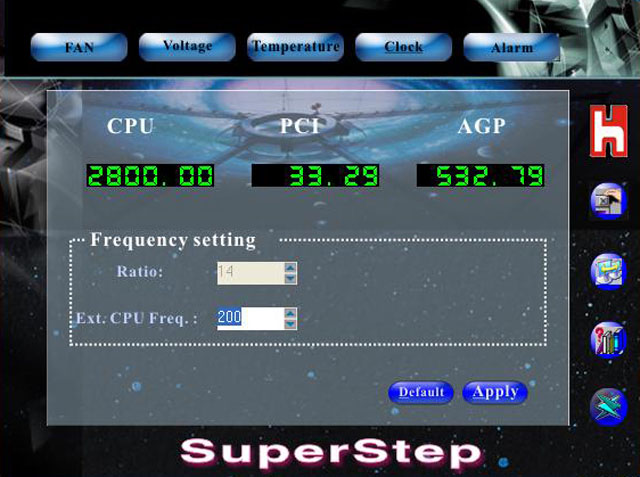
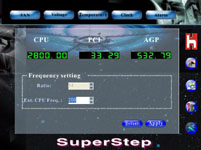
The clock screen is where you’ll find the CPU speed and BUS speed readouts. This is also where you should be able to overclock your front side bus from within Windows. However, several tries on my part did not produce any overclocked speeds.
Please read on to the next page for more... Next
Page 1 | Page 2 | Page 3 | Page 4 | Page 5 | Page 6
Home | Forum | Review Index
|
|