Software (continued):
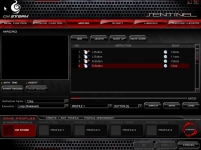
The next set of screenshots show tabs that allow for unparalleled control of your CM Storm Sentinel Advance. With the Macro setting you can create, or rather record, keyboard and mouse inputs into a sequential format, even adding time delays when needed. If you have any basic programming abilities you can have a lot of fun with the Script tab creating script commands. Like the macro command you can determine the execution methods such as looping and single.
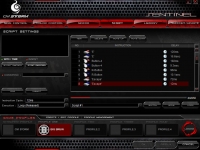
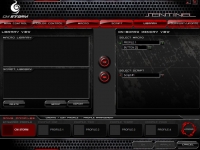
The Library tab is of course where these macros and scripts are stored and can be loaded into your desired profile.
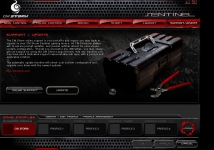
One of the most helpful features in this user interface is the Support/Update tab. This tab allows you to update your driver to the latest available with the click of a button. Simply click the update button and walk away for a bit, when you come back your driver will have been updated, if possible. You can click the online support button should you still have problems allowing Cooler Master the chance to resolve any issues.
 Real World Use:
I don’t want to underplay the software for the CM Storm Sentinel Advance. In most reviews I would load the driver and set my button configuration and go, however with the CM Storm Sentinel Advance I found a big part of the user experience is the setup. Adding the logo, changing just about every setting possible, and playing around with the macros was a blast.
After I was set up I quickly found the CM Storm Sentinel Advance to be comfortable and a great fit for my hand. I felt no numbness or discomfort after those extremely long gaming periods. The twin-laser sensor did a great job of keeping the mouse very accurate on a variety of different surfaces, while the different color schemes ensured it looked cool while doing so. When all was said and done I could find no fault, nor missing features for that matter with the Sentinel Advance.



